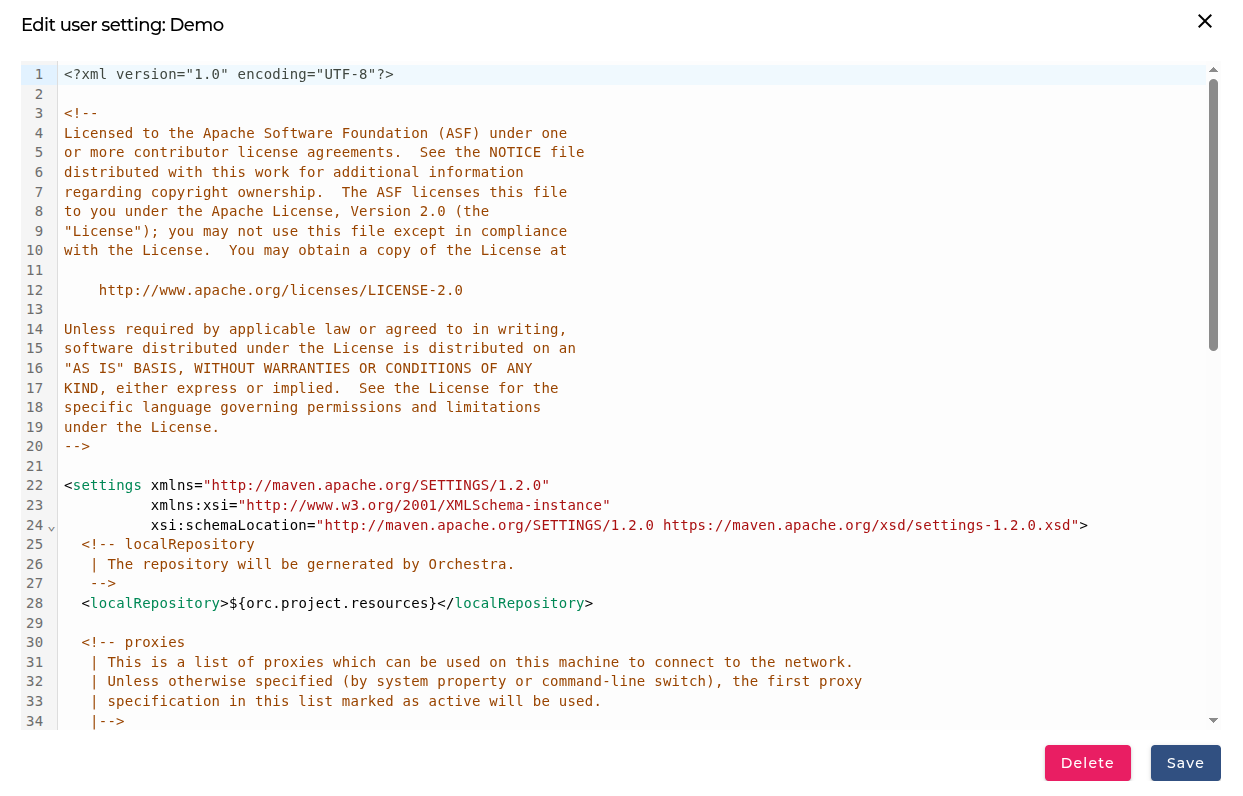
Build User Setting
Description
Build User Settings allows you to define accounts, repository locations, and other build-time configurations. These settings are stored in the user_settings.xml file and are applied only during the build phase.
There are two types of User Settings available:
- Default User Setting – These are applied to all projects.
- Project User Setting – These are applied only to a specific project.
For official Maven documentation, see:
https://maven.apache.org/settings.html#Settings_Details
Default User Setting
The Default User Setting is applied to every project you build. It is useful for common configurations used across all projects.
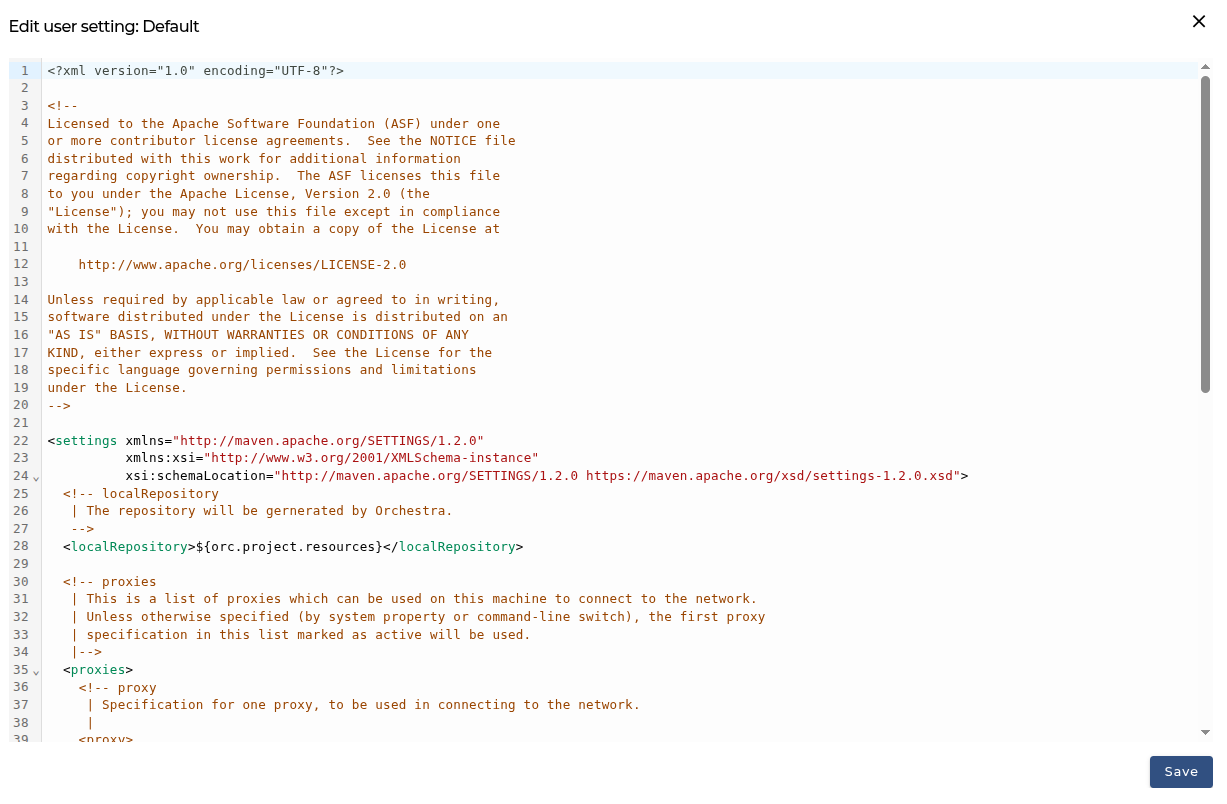
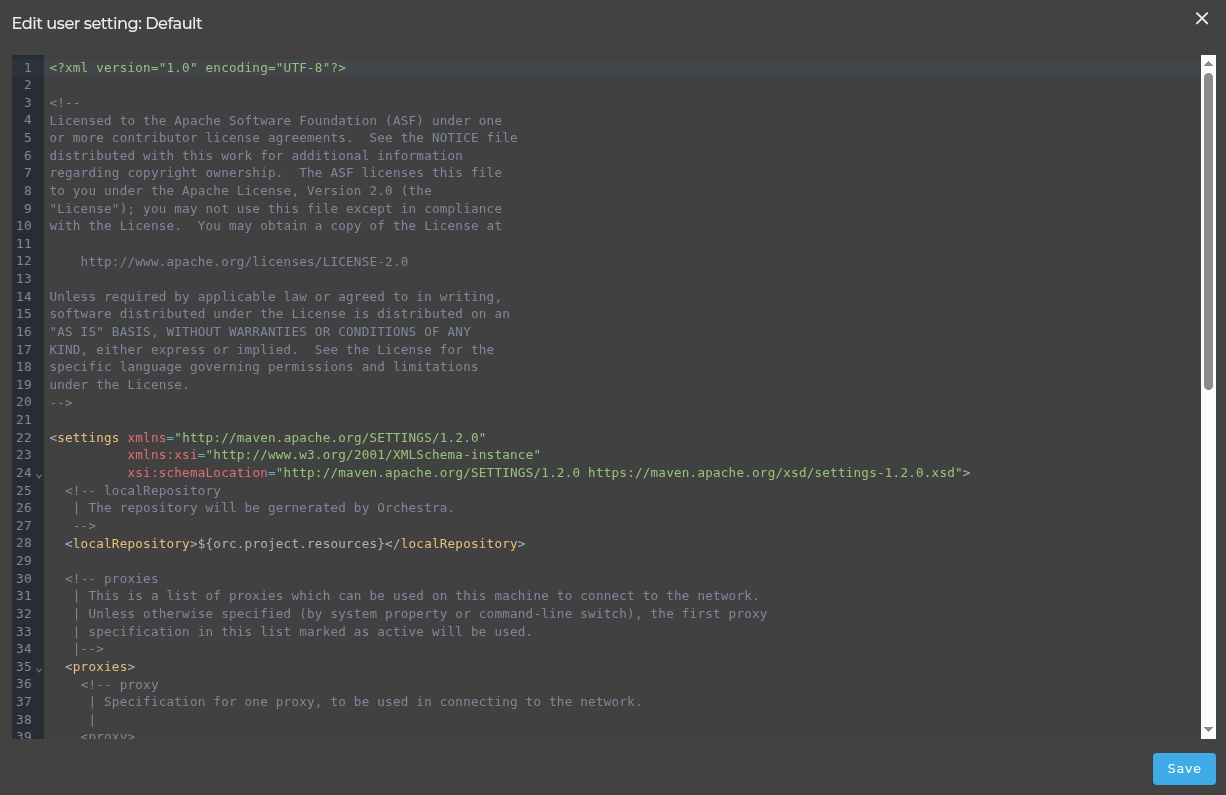
The settings can be modified through the menu on the user account.
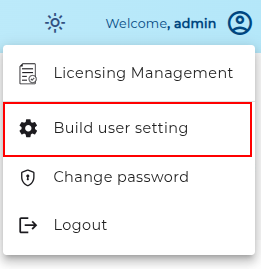
Default user setting editor
Project User Setting
The Project User Setting is specific to a single project.
- When created, the Project User Setting is initially copied from the Default User Setting, but can be adjusted as needed.
- If no Project User Setting exists, the system automatically uses the Default User Setting.
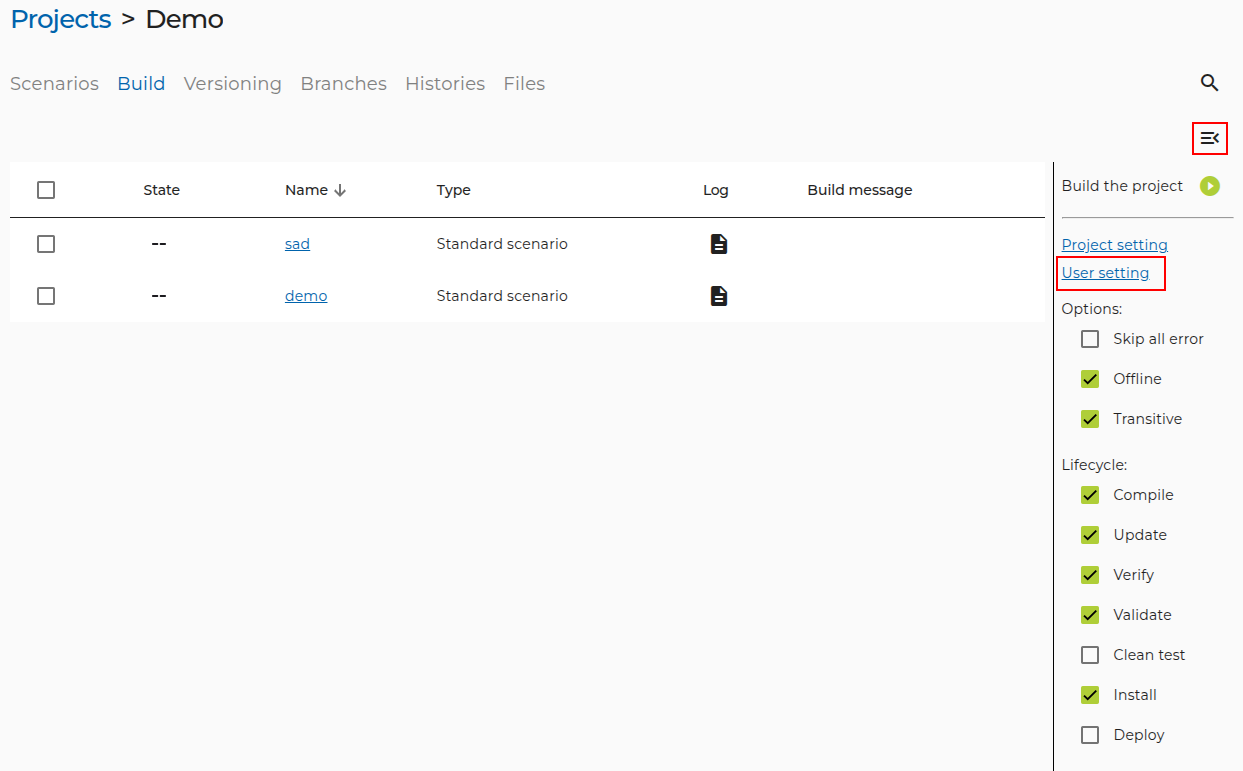
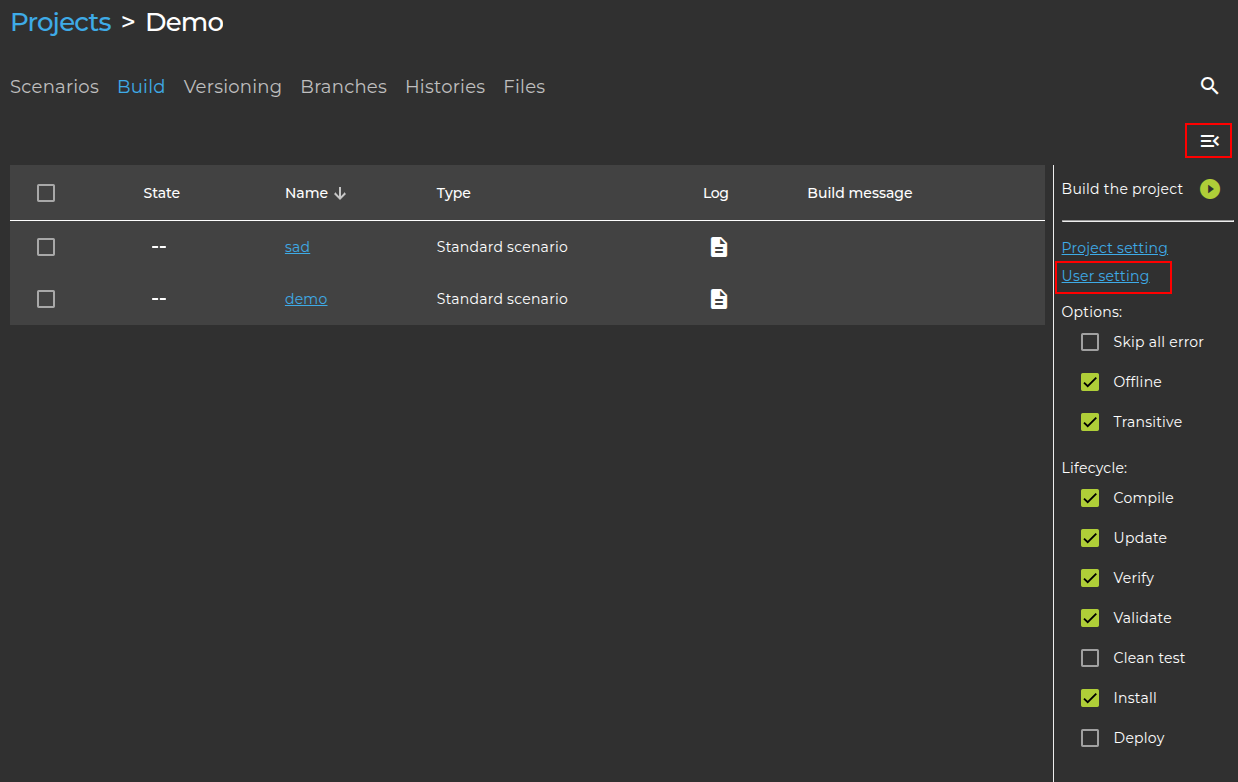
Project User Settings can be configured from the Build Management page.
Project User Setting location
Opening Project User Setting for the first time
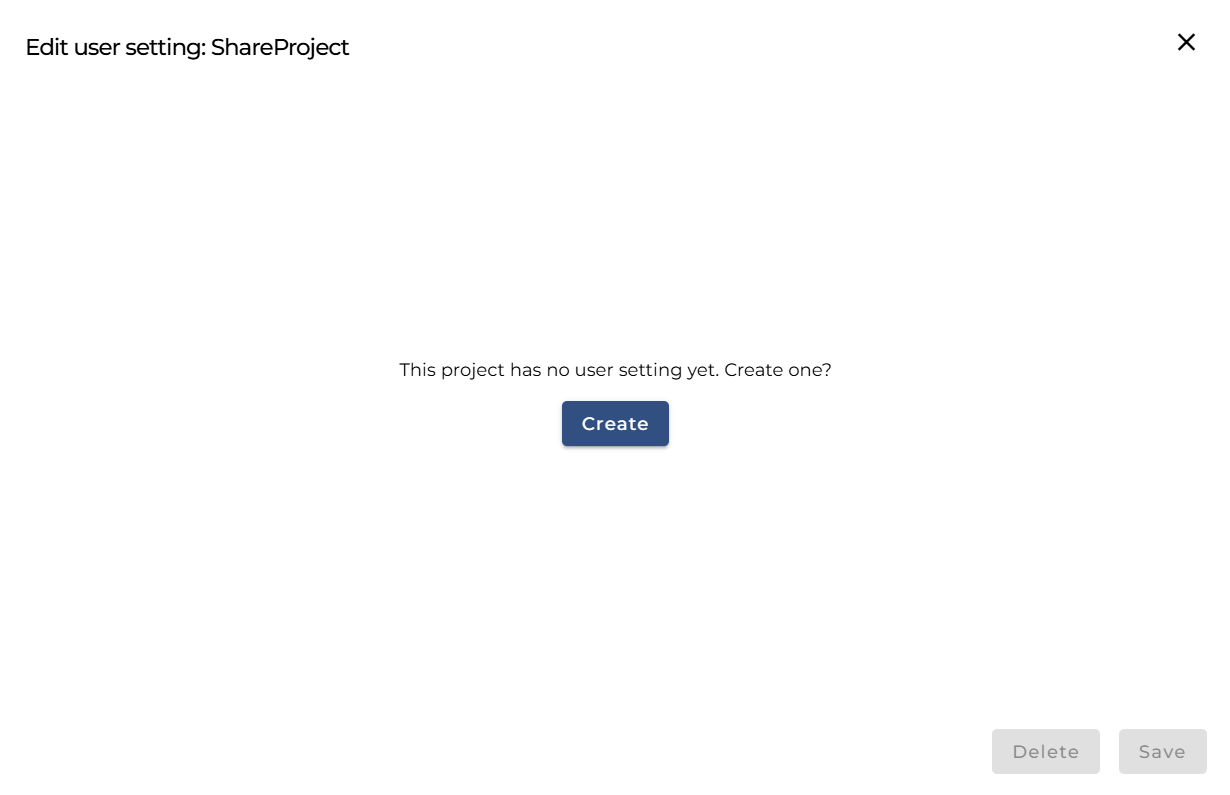
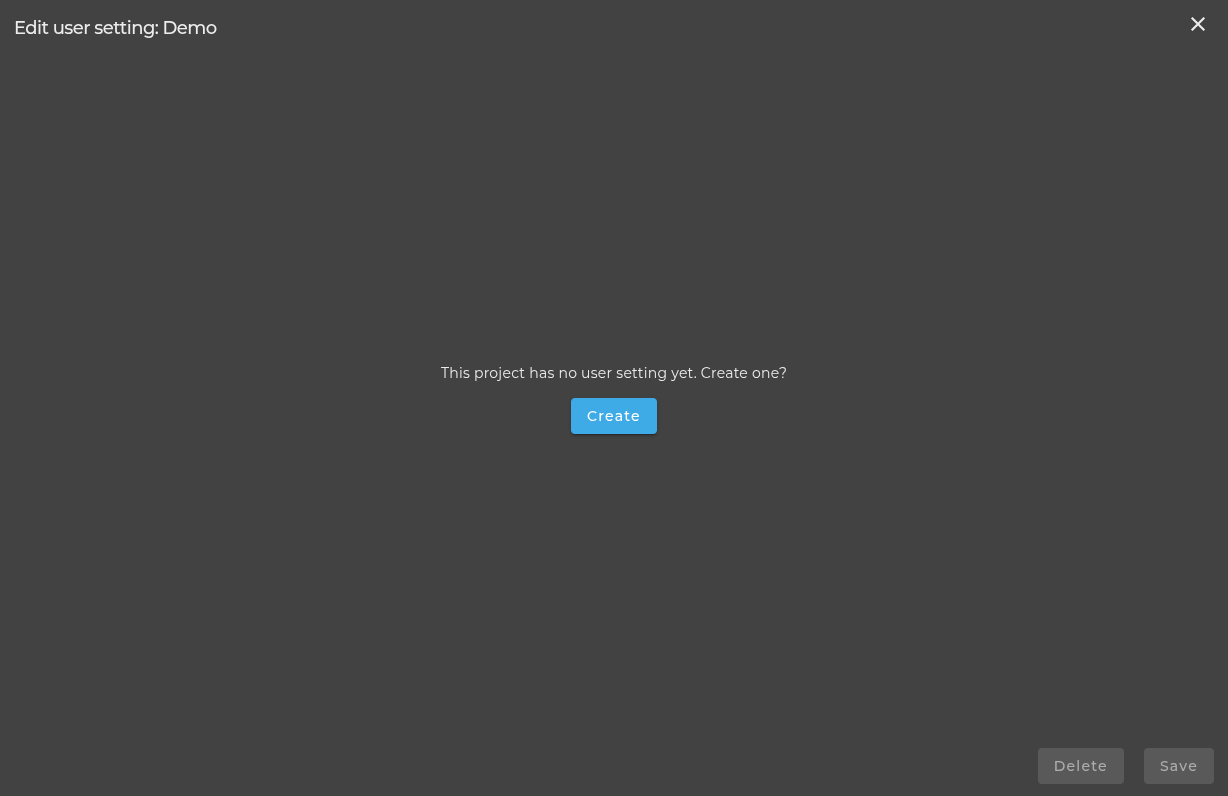
Edit Project User Setting